
What a Macomb County Court Docket Shows
A docket is the official list of events in a single case. Courts often call it the Register of Actions. Each line marks one thing that happened, in the order it happened. A new filing, a motion, an order, a hearing date, and a final judgment all show up as separate entries. The docket does not hold the full text of those papers. It records that they exist, when they were entered, and who filed them.
The distinction matters when you search. A Macomb County docket tells you a case is moving and what stage it has reached. The full case file holds the actual pleadings, exhibits, and signed orders. For most people checking a hearing date or a case status, the Macomb County docket is enough. For legal review or evidence, the underlying documents are what count. County staff put all documents filed with the court on the computer system daily, so the docket updates on a working-day basis rather than in real time.
Docket structure varies a little by court level. Macomb County Circuit Court and Probate Court dockets run through one shared system. District Court dockets follow each numbered court and reach the public through the statewide judiciary portal. All of them read the same way once you open a case: a party caption at the top, then dated entries below.
Inside a Macomb County Docket Entry
Every docket entry carries a few standard fields. Reading them in order tells the story of the case without opening a single document. The date shows when the clerk entered the action. The event describes what was filed or ruled. A party name shows who acted, and a hearing date shows what comes next. The table below breaks down the fields a Macomb County docket entry commonly displays.
| Field | What It Shows |
|---|---|
| Filing or Received Date | The day the clerk entered the filing or action into the case history. |
| Event or Action | The type of item, such as a complaint, motion, order, notice, or judgment. |
| Party or Filer | Which side acted, shown as plaintiff, defendant, petitioner, respondent, or attorney. |
| Judge | The circuit, district, or probate judge assigned to the case. |
| Hearing Date | The next court date, motion date, or scheduled event tied to the entry. |
| Disposition or Status | The outcome of a charge or case, or the current stage if it is still open. |
Some entries also carry a document label, a courtroom, or a financial note where Court Finance has posted an assessment. Criminal dockets add charge descriptions, bond entries, and plea markers. Domestic cases add support and parenting-time orders. The exact mix depends on the case type, but the six fields above appear on almost every Macomb County docket.
Note: docket labels are short codes, so a plain-English event may read as an abbreviation until you open the linked case detail.
How to Find Macomb County Dockets Online
The county's central lookup for docket information is CourtView/eServices, which covers 16th Judicial Circuit Court and Macomb County Probate Court cases. The CourtView information page explains that the data comes from computerized records the courts maintain and is deemed public. It also warns that no warranty is made about accuracy, so results should be verified against official records. The steps below walk through a basic docket search.
- Open CourtView from the Clerk court records page or the Circuit Court site and accept that it is a public lookup, not the certified record.
- Choose the Case Search route inside the application.
- Enter the strongest identifier you have: a case number first, an attorney bar number for an attorney search, or party name fields when the case number is unknown.
- Open the matching case and read the Register of Actions to see each dated docket entry and any scheduled hearing.
When the online lookup does not show enough, the Clerk's file room can print a full docket entry or Register of Actions. That fallback matters for older cases and for documents that never post to the public view.
Courts That Publish Macomb County Dockets
Not every case level uses the same system. Circuit Court and Probate Court share the county CourtView portal. Macomb County District Court dockets, which cover most traffic, misdemeanor, and small-claims matters, reach the public through the state MiCOURT Case Search or a local court page. The county's Nearby Courts list names the district courts serving cities and townships across the county. The main docket sources break down like this.
- CourtView/eServices posts Circuit Court and Probate Court dockets for the county.
- MiCOURT publishes district-court dockets for participating courts, where civil, traffic, criminal, and probate cases may appear.
- Individual district courts, such as the 37th, 41-B, and 42-1, route users to MiCOURT or a local payment and review tool.
Federal cases are a separate track. Matters handled by the U.S. Attorney for the Eastern District of Michigan do not appear in county dockets, so a short federal-docket note helps set expectations for anyone searching the wrong system.
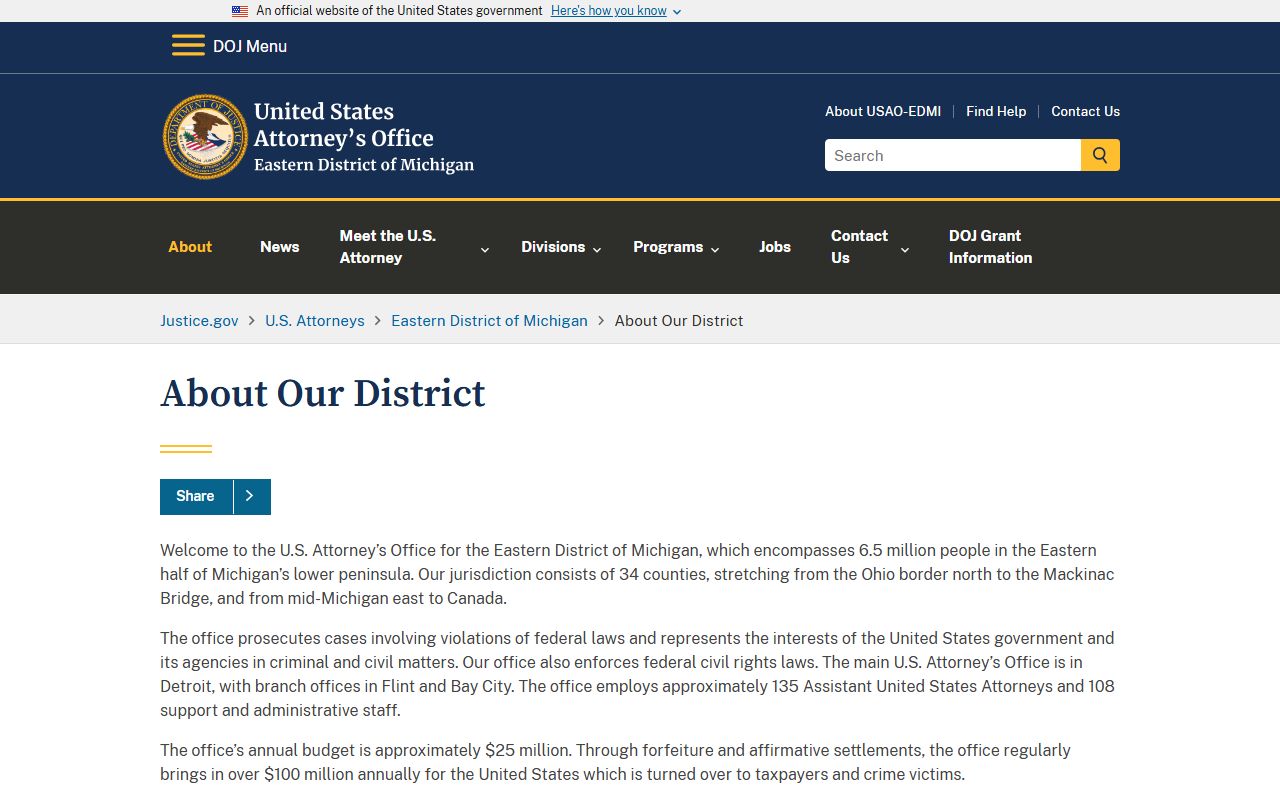
The U.S. Attorney's office describes a district that spans dozens of counties across the eastern half of the state's lower peninsula. Federal dockets for those cases live in the PACER and CM/ECF systems, not in CourtView, so a Macomb County docket search will not surface a federal prosecution.
CourtView Docket Search Fields
The CourtView case search accepts a handful of inputs. A case number returns the fastest, cleanest match. Name fields help when the number is unknown, and a bar number drives an attorney search. The table below lists the fields the eServices application and the Clerk's order form expose for a docket lookup.
| Field | Type | Required | Notes |
|---|---|---|---|
| Case Search | Route | Optional | Main case-search path in eServices. |
| First Name | Text | Conditional | Used when a party name search is selected. |
| Last Name | Text | Conditional | Paired with first name for a party search. |
| Date of Birth | Date | Optional | Narrows name matches where allowed. |
| Bar Number | Text | Optional | Drives an attorney search. |
| Case Number | Text | Optional | Best identifier; Clerk form shows a segmented format. |
Macomb County district-court searches on MiCOURT follow a similar pattern but add a court selector. You pick the participating court first, then search by case number, party name, or case type. Both systems treat the online docket as informational, not as the certified file.
Hearing Dates and Case Management
Docket hearing dates do not appear at random. In Macomb County, motions get scheduled against a judge's calendar, and the Clerk links to a judges' motion schedule that filers check before requesting a hearing. Picking an open motion slot keeps a filing on track and puts the right date on the docket. Once set, that hearing date shows as a docket entry with the judge, the courtroom where exposed, and the event type.
Behind the docket sits the Case Management Division. The Circuit Court directory places Case Management on the 6th floor and describes it as the office that manages case progress from initiation through disposition. It schedules events, manages dockets, generates notices, processes adjournments, dismisses cases for lack of progress, tracks judge actions, and reports statistics to the State Court Administrative Office. It also answers public questions and appoints foreign-language and ASL interpreters. When a docket entry looks wrong or a hearing date is unclear, this is the division that controls it.
A county docket tracks case events, not custody or supervision. For someone under state supervision, the Michigan Department of Corrections OTIS search tracks that status alongside the county docket.
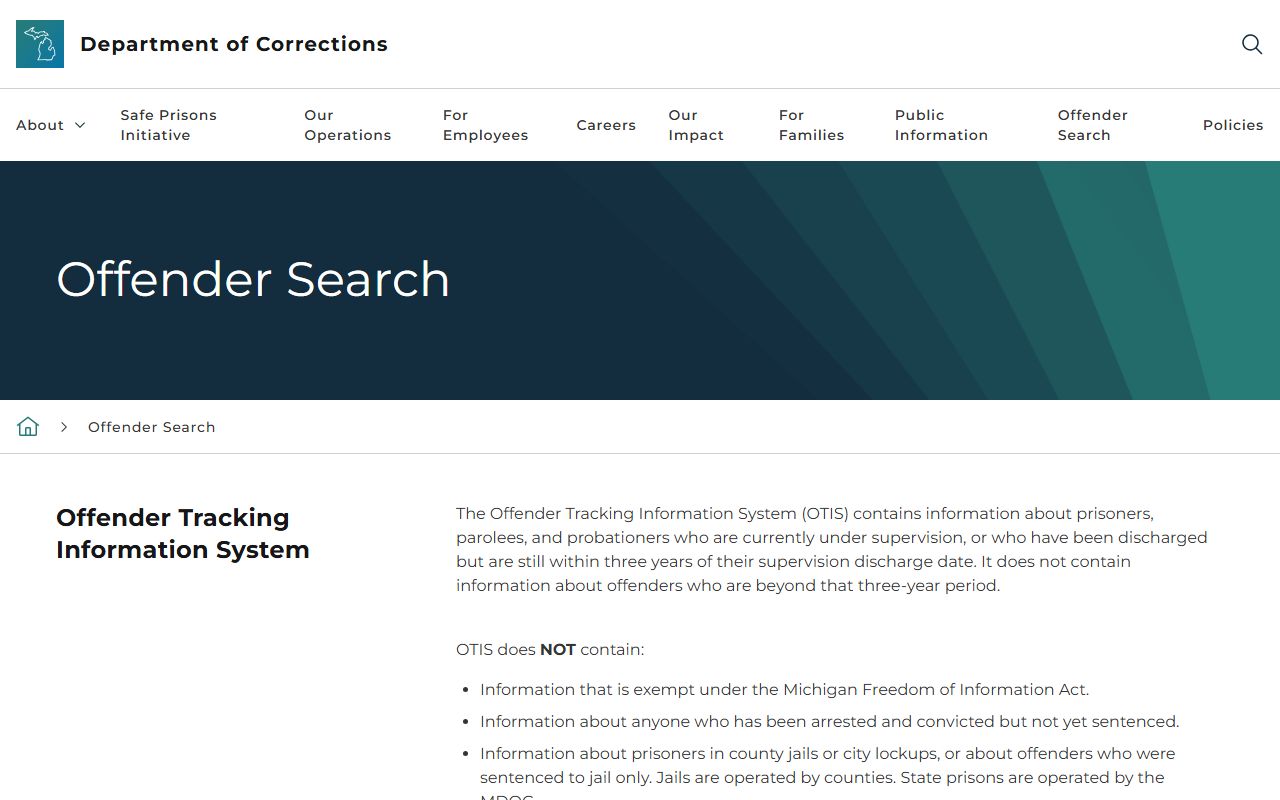
OTIS covers prisoners, parolees, and probationers currently under supervision or discharged within three years. It does not include county jail inmates or people not yet sentenced. Pairing an OTIS check with a Circuit Court docket gives a fuller picture of both the case and any active supervision.
Probate Court Dockets in Macomb County
Probate cases run their own docket path but use the same county lookup. The Macomb County Probate Court page links to the CourtView case lookup, and the CourtView disclaimer confirms the system holds records from both the 16th Judicial Circuit Court and the Probate Court. Estates, guardianships, conservatorships, trusts, and mental-health matters all generate Macomb County docket entries there.
Probate dockets show the same event chain as other courts: a petition opens the case, notices and inventories follow, hearing dates get set, and accounts or orders close it. One local rule shapes the calendar. Emergency filings must be filed in person by 3:00 p.m.; anything after that is processed the next day. That deadline can affect when an emergency matter first appears on the docket. The public may call the Probate Court directly with questions about a case or a scheduled hearing.
Docket vs. Full Case File
The docket and the full case file are not the same thing, and confusing them wastes time. A docket is a map of the case. The full file is the case itself, with every signed paper. Most Macomb County online searches return the docket; the documents behind each entry often need a copy request. The comparison below sets the two side by side.
| Docket | Full Case Record | |
|---|---|---|
| Format | List of dated entries | Full documents and exhibits |
| Access | Often online and free | May require a copy fee or visit |
| Contents | Events, dates, parties, status | Pleadings, motions, orders, judgments |
| Use | Track case progress and hearings | Legal review and evidence |
For a deeper look at document types and copy costs, the county Macomb County court records options cover the full-file side. The docket remains the quickest way to confirm a case exists and where it stands.
Verifying a Macomb County Docket Entry
The public docket carries a warning: verify it against the official record before relying on it. The Clerk is not responsible for the CourtView public site and does not maintain it. When a date, an entry, or a status has to hold up for another agency or a court filing, the certified record is what counts. The Clerk's file room supplies that record.
Order a docket entry or a Register of Actions through the Circuit Court Documents Order Form, which lists a docket entry as a named request type. A Register of Actions printout runs a set per-page fee, shown on the Circuit Court fee page. Requests can be faxed, mailed, emailed, or made in person at the file room, and counter service closes at 4:15 p.m. on regular business days. A certified copy is the version to request when the docket must be used in a legal proceeding. These same channels feed the county Circuit Court record system that generates each docket in the first place.
Nonpublic Docket Limits
Public access has edges. Michigan court rule keeps court records open only to the extent allowed by rule, statute, and court order, which means some dockets stay closed. In Macomb County, juvenile, adoption, and mental-health matters are commonly restricted. Sealed and set-aside criminal cases drop out of public view once relief is granted. Personal data such as Social Security numbers and minor identifiers is redacted even in open cases.
District courts add their own limit. One county district court states that nonpublic records cannot be reached through the online portal and can only be accessed by the defendant, in person, at the court. So a blank search result does not always mean no case exists. It can mean the docket is restricted. When that happens, contacting the court or clerk directly is the correct next step.
Note: a missing online docket is not proof of a clean record, since restricted and sealed cases are removed from public search by law.